Your front desk, on a tablet or a phone.
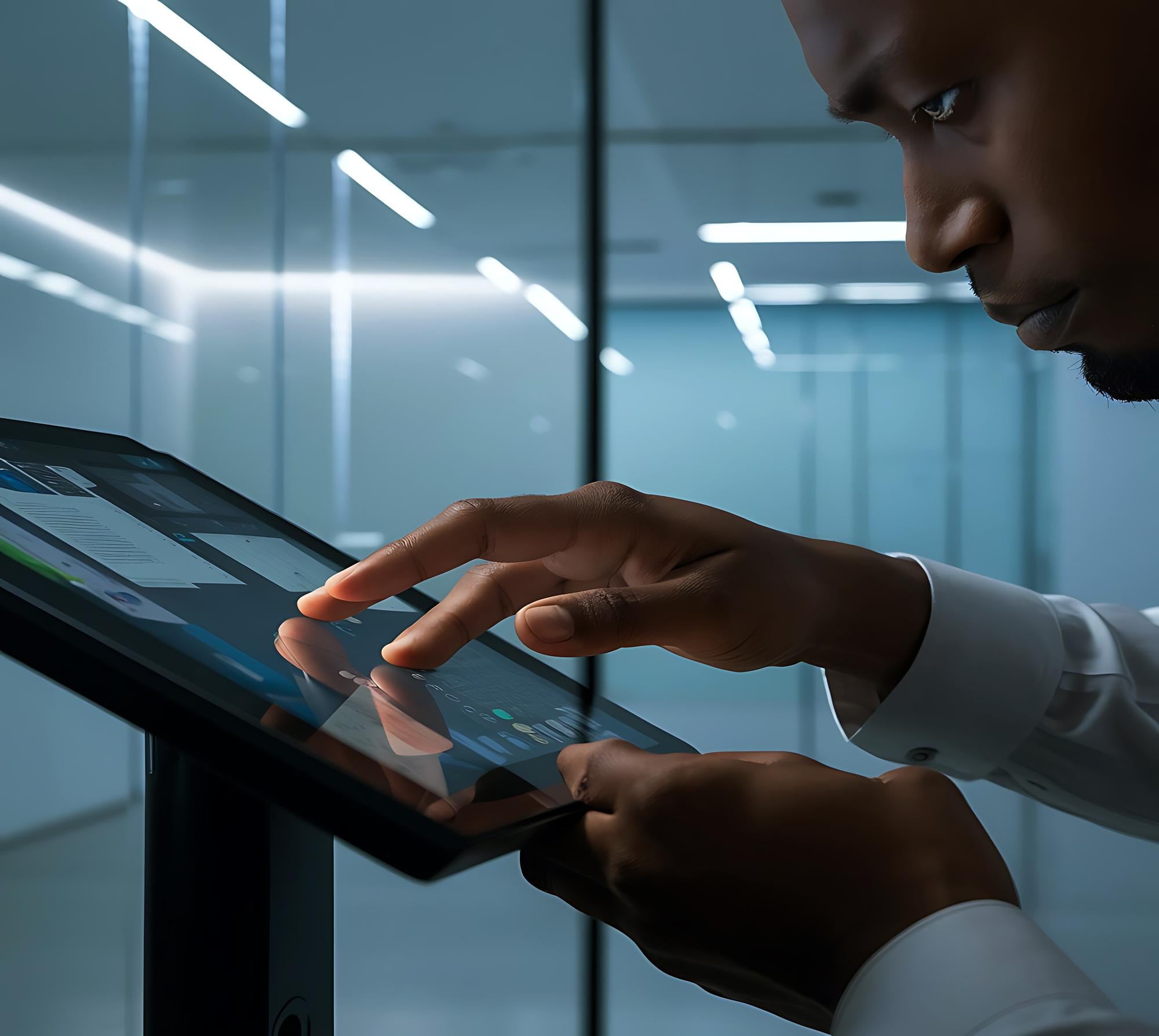
A native app for iPad, iPhone and Android tablets and phones, built for the counter, the gate and the factory entrance. It greets visitors, clocks in staff, prints badges and reads NFC, and it keeps working when the network drops. Where a computer is already on the desk, its browser can be a kiosk too, with nothing to install.
Offline-first
No network? No problem.
Check-ins, clock-ins, feedback and deliveries are saved on the device and synced when the connection returns. The kiosk shows it calmly, so nobody at the desk panics.
- Local database on the device
- Automatic, conflict-safe sync
- Evacuation list cached on every kiosk
- Watchlist screening with no network, holding no names or numbers on the device
- Visitor passes checked with no network: each carries a code signed by your organisation’s own key
- Photos, signatures and IDs recorded offline wait safely and upload when the connection is back
- Vehicles logged in and out at the gate with no network, with known and barred plates kept on guard devices
- Parcels logged with no network, the label read on the device, and collection codes checked offline
Your brand
It looks like you, from the first tap.
Upload your logo, choose your colours and write your welcome. Agoo checks the contrast for you so every screen stays readable.
- Logo, colours and welcome message
- Your own domain for visitor and booking pages, from Starter
- White-label kiosk on Pro
Brand your front door
PausedPick an organisation or set your own colour. The console keeps Agoo’s look.
- Brand colour
- #0B1524
- Light screens
- #0B1524
- Dark screens
- #3667B1
In a web browser
The computer already on your front desk can be the kiosk.
Agoo Kiosk in a web browser turns a desktop, a laptop or a Chromebook into a kiosk, in the browser it already has, with nothing to install. Add it in the Console, open your organisation’s kiosk address on the computer and type the code. Visitors check themselves in on it and staff clock in, and whoever a visitor came to see is told at once. It fills the screen at a tap, in light or dark, with your logo and colour as your plan allows. It sits beside the Agoo Kiosk apps and replaces none of them.
- Three steps and no download: add a computer’s browser under Devices, open your kiosk address, type the code
- Check in, I have a pass, I’m expected, Check out, Delivery, Leave feedback and Staff clock-in, chosen for each kiosk
- Your visitor types with their icons, your questions, and your documents accepted or signed with a mouse or a finger
- The same watchlist, approval rules and host alerts as a kiosk on a tablet
- With a webcam: visitors’ photos, scanning a pass and clock-in selfies, where you ask for them. Everything else works without one
- Private on a shared screen: visitors and staff find their own name by typing three letters, and see only a first name and an initial
- Left alone, it forgets what was typed and goes back to the welcome. Nothing a visitor types is kept on the computer
- One of your plan’s kiosks and devices, like a tablet, on every plan and at no extra price
Which one should I use?
A kiosk in a browser, or the Agoo Kiosk app.
Both check visitors in the same way, and both count the same on your plan. Choose by where the kiosk stands and what it has to do there. Or use both at one site: the computer at reception, and a tablet or phone at the gate.
| Kiosk in a browser | Agoo Kiosk app | |
|---|---|---|
| Runs on | A desktop, a laptop or a Chromebook, or a tablet’s browser | iPad, iPhone, and Android tablets and phones |
| To set up | Nothing to install: open your kiosk address and type the code | Install the app, then pair it with a code |
| Check-in, passes, check-out and feedback | ||
| With no network | Needs a steady connection. Without one it says so and sends visitors to reception | Keeps working, and syncs when the connection is back |
| Staff clock-in | By name and PIN | Badge, badge on a phone, card, PIN or face |
| Recording IDs | A Ghana Card’s number is typed; other IDs are typed, and photographed if you ask | Reads a Ghana Card’s or passport’s number itself, even offline, never keeping a picture of a Ghana Card |
| Badge printing | ||
| Deliveries | Couriers log parcels and recipients collect with their code, online | The same, offline too, with the label read on the device |
| Guard mode at the gate, with vehicles | ||
| Keeping the screen on Agoo | The browser’s own full screen or kiosk mode | Kiosk mode, locked to Agoo |
| On your plan | One of your kiosks and devices | One of your kiosks and devices |
If the network or the power at your door is unreliable, choose the app.
And more
Everything in Kiosk & devices.
iPad, iPhone, Android
Native apps for each: from the App Store, and for Android straight from agoo.ardent.africa/apps.
A kiosk in a browser
The front-desk computer checks visitors in from its browser, with nothing to install. It needs a steady connection.
Kiosk mode
Locked to Agoo, managed from the console.
Each kiosk's own buttons
Check out, deliveries, staff clock-in or a feedback stand, chosen per kiosk.
Who are you here to see?
A person, several people, a team or no one in particular, as each visitor type allows, asked with or without a network.
Wi-Fi in one scan
Once a visitor is checked in, the welcome screen shows your guest Wi-Fi as a code their phone’s camera joins with, and stays up long enough to scan it, even with no network.
Sign on the screen
NDAs, waivers and site rules signed with a finger.
Ghana Card and passport numbers
The kiosk reads the number from the ID’s machine-readable lines itself, even offline. A Ghana Card is never photographed: its picture is discarded the moment the number is read.
Front or back camera
Scan with the camera that suits the stand or the gate, chosen per device, and switched on the screen in a tap.
Vehicles at the gate
Guards read plates with the camera, offline, and see known, expected and barred vehicles at once.
Parcels at the door
Couriers photograph the label and choose who it’s for; recipients collect with their code, even offline.
Closed for now
Close a kiosk for lunch or after hours, with a note. It sends visitors to reception until you open it again.
Run from your phone
Pair a kiosk by scanning a code on your phone, see every device’s health and change its buttons from the Agoo Workspace app.
No guest list on show
Visitors find their invitation by typing their own name, never by browsing a list.
Badge printing
Photo badges on label printers.
NFC and QR
Tap cards and scan passes.
Face clock-in
Staff clock in at the door.
Doors and turnstiles
Open on approval with access-control integrations.
Both at one site
A computer at reception and a tablet or phone at the gate, each paired to its own entrance and run from the same console.
For the tablet or phone at your door
Get Agoo Kiosk
Visitor check-in and staff clock-in at your front desk, even with no network.
iPhone and iPad with iOS or iPadOS 26 or later. Android phones and tablets with Android 8.0 or later.
Agoo!
Your visitors say Agoo. Let your front door say Amee.
Join the organisations getting early access. We will set up your site, bring your staff list across and train your front desk.